Most People Don’t Realize They’ve Been Scammed Until It’s Too Late
Mary thought she was protecting her bank account.
When she received a text saying there was suspicious activity on her account,
she clicked the link and entered her information.
The message looked legitimate.
The website looked real.
But it was a scam.
Within hours, more than $2,300 had been withdrawn from her account.
The good news?
There were several warning signs she could have recognized immediately.
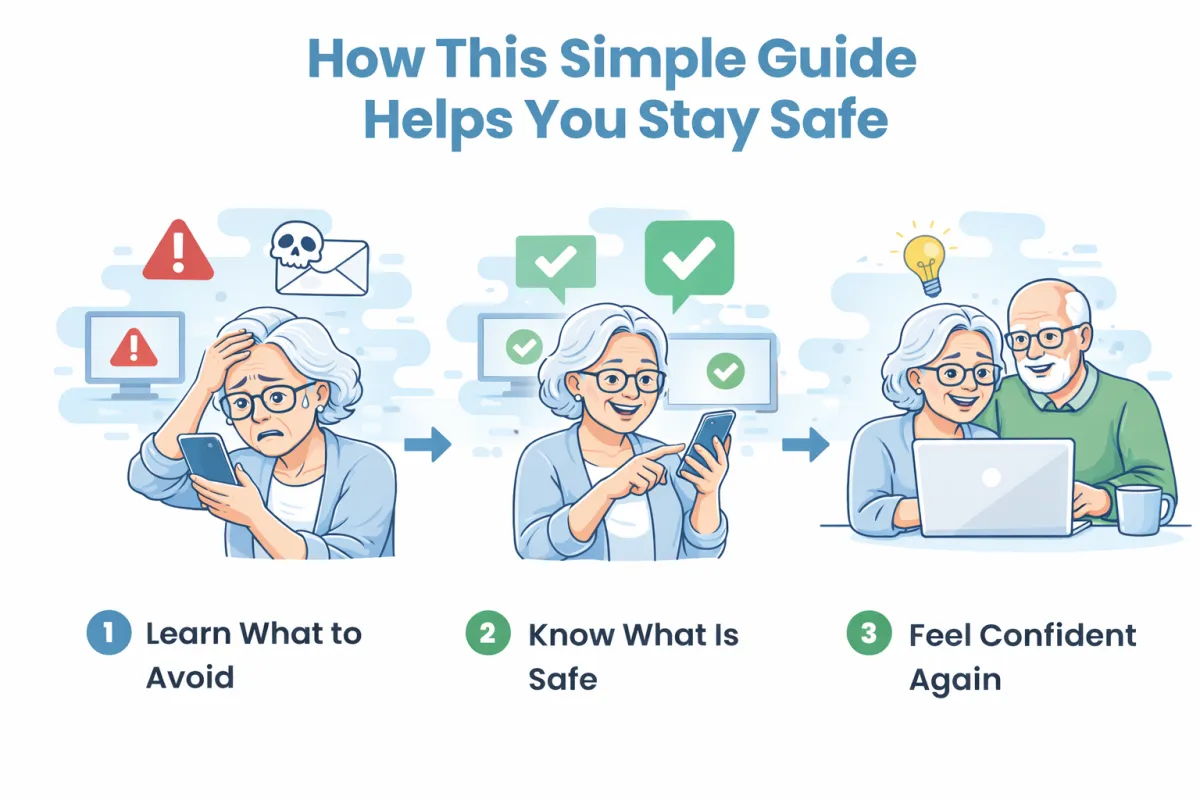
That's why this guide was created—to help you know what is safe, what to avoid, and what to do when something doesn't feel right.
✔ Know what’s safe to click—and what to avoid
✔ Recognize the most common scams instantly
✔ Feel confident using your device again
Learn exactly what to look for before you click—so you can stay safe and in control.
⚠️ Scams are increasing every day—don’t wait until something happens
Simple • Clear • No Tech Jargon 100% Risk-Free If this guide doesn’t help you feel more confident and safe using your device… Simply email us and we’ll refund your purchase. No risk. No pressure.
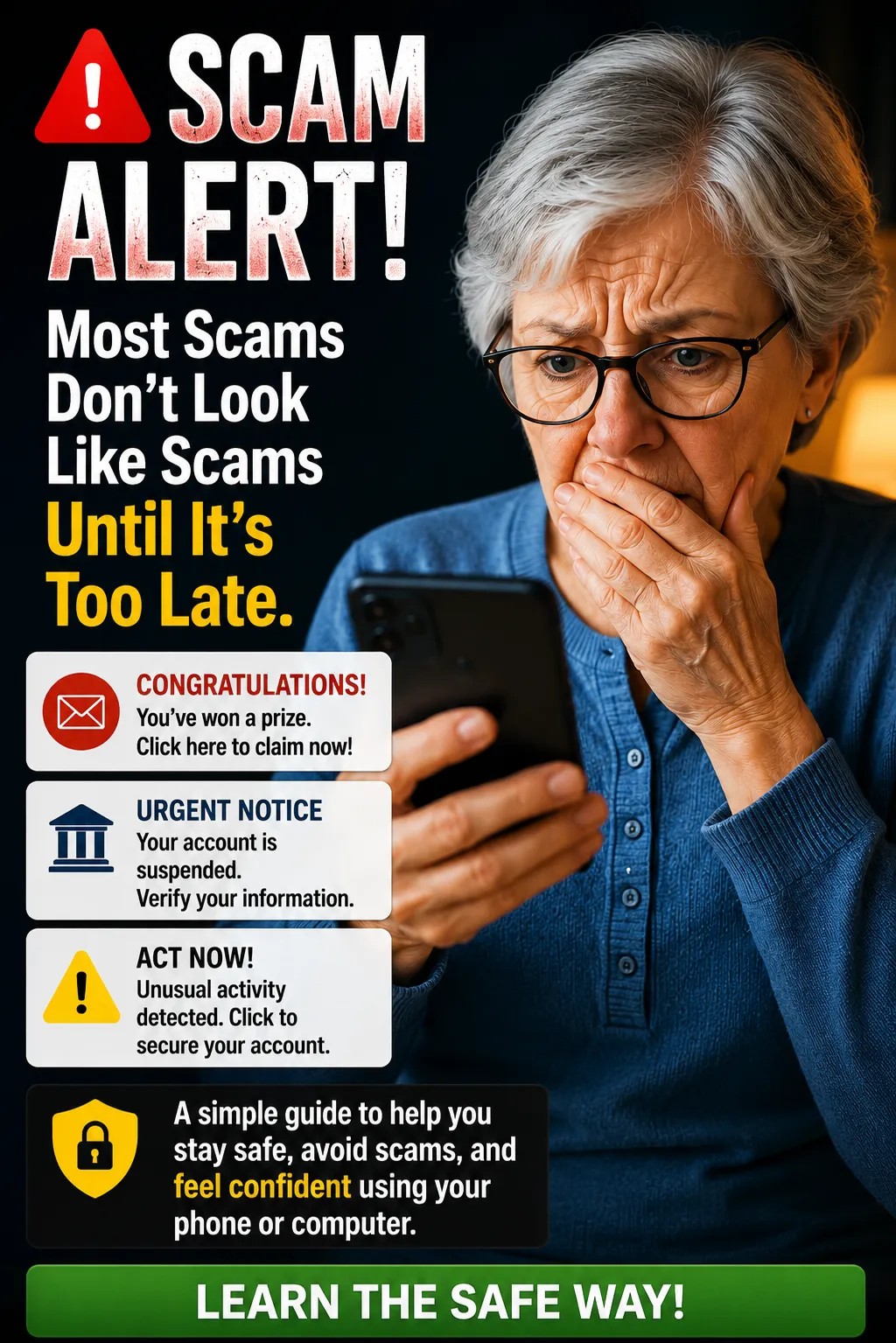
“If This Has Ever Happened to You…”
You received a strange text
You weren’t sure if an email was safe
You hesitated before clicking something
👉 Then this guide is for you
This Happens to More People Than You Think
Technology has changed fast—and most people were never shown what’s safe and what’s not.

You’re not struggling because you can’t learn… You’re struggling because no one has ever explained this simply.
Ready to feel safe every time you tap or click?
Instant access • Simple guidance • Designed for everyday users
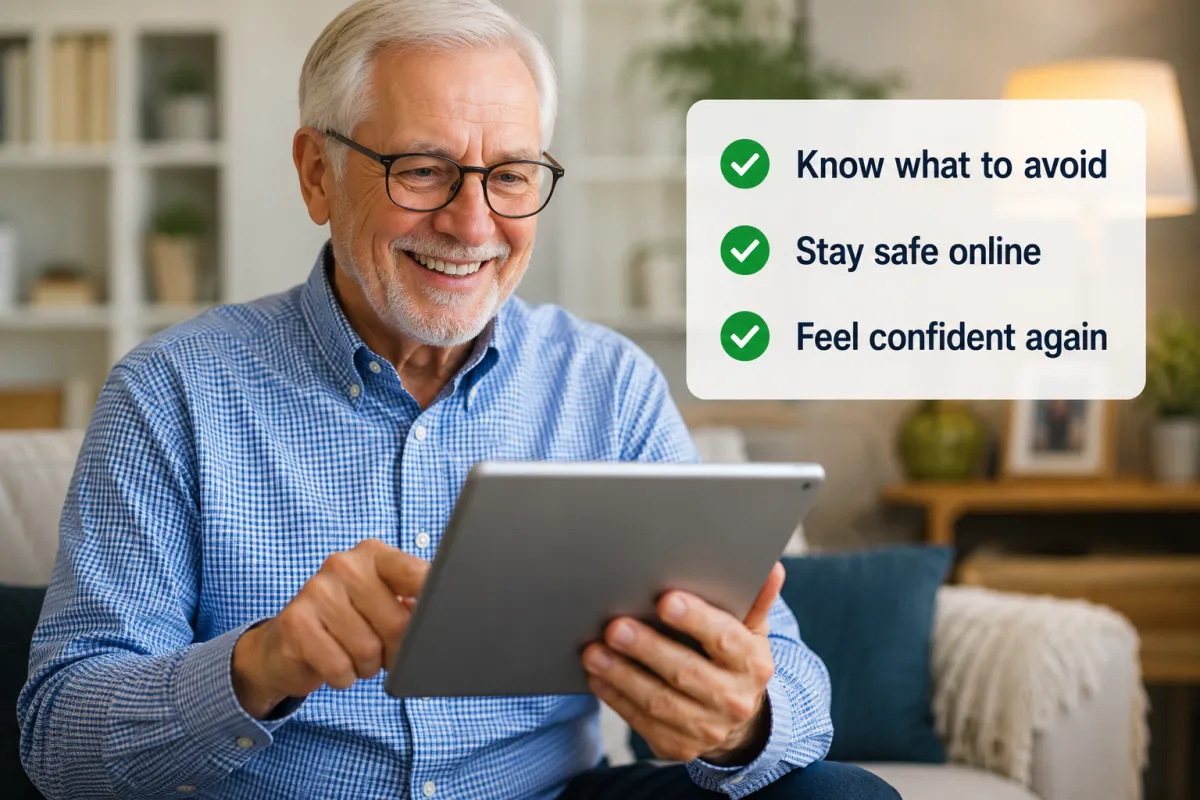
A guide you can keep next to your device

These are the exact mistakes scammers rely on:
• Clicking links in unexpected messages
• Trusting emails that look real
•Acting too quickly when something feels urgent
• This guide helps you avoid these mistakes.
You Don’t Need to Feel Unsure Every Time You Use Your Device
With the right guidance, you can feel safe, calm, and in control.
What Others Are Saying “This made everything so much easier to understand.” “I finally feel confident using my phone again.” “Simple and clear—exactly what I needed.”
Simple • Clear • No Tech Jargon 100% Risk-Free If this guide doesn’t help you feel more confident and safe using your device… Simply email us and we’ll refund your purchase. No risk. No pressure.
I’ve spent over 30 years helping people solve technology problems…
For over 30 years, I’ve worked in IT helping people understand and solve technology problems. But more importantly, I’ve been the person my family and friends always call when something isn’t working—whether it’s a phone, computer, internet, or something that just doesn’t make sense. Over time, I noticed the same thing again and again… Most people aren’t struggling because they can’t learn—they’re struggling because no one has ever explained technology in a simple, patient, and clear way. That’s why I created Safe Tech for Seniors. My goal is to help you feel safe, confident, and in control—without confusing language or overwhelming information.

Privacy Policy | Terms of Use © Safe Tech for Seniors 2025, All Rights Reserved.